
What Is ChatGPT?
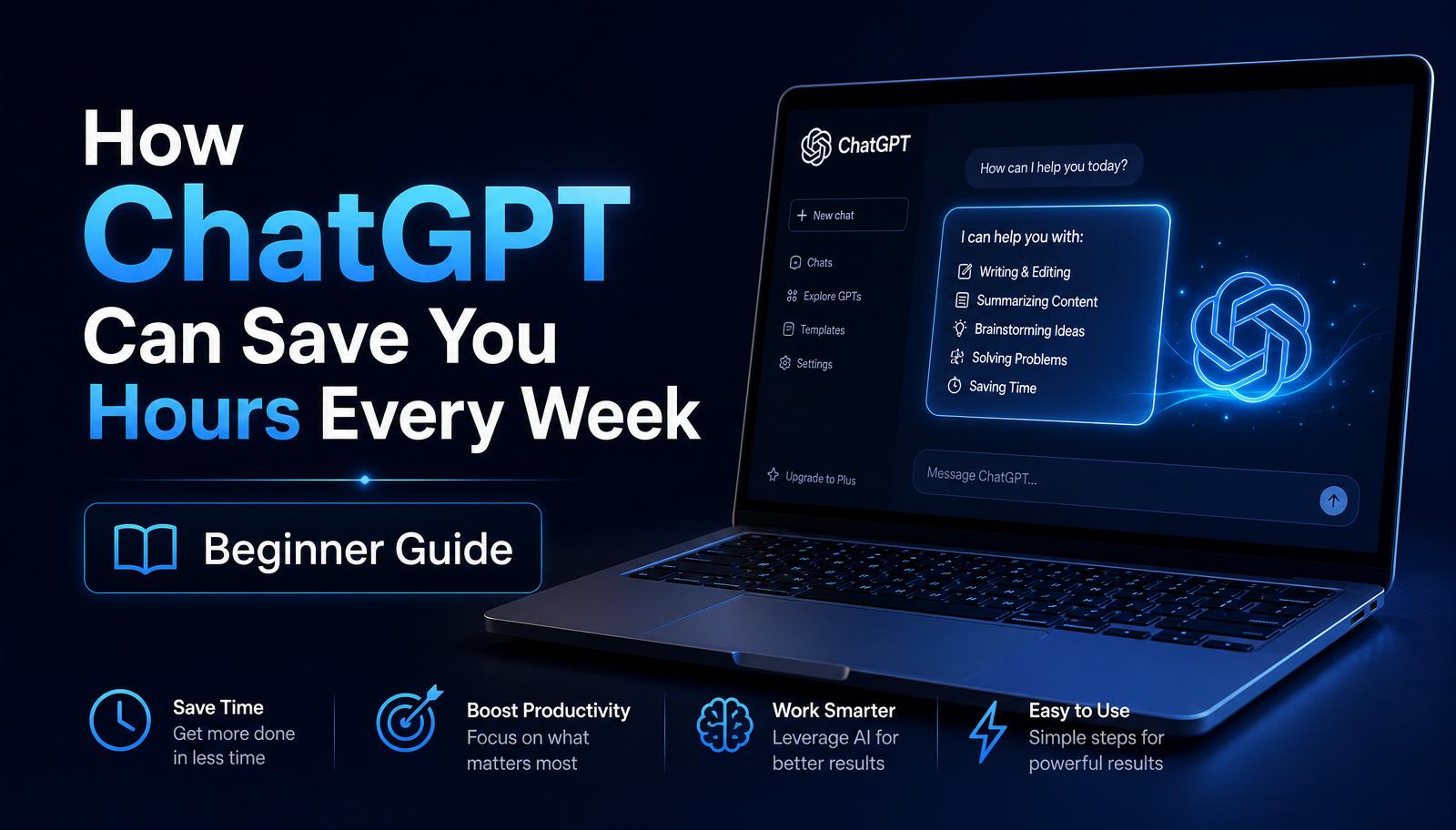
ChatGPT is an AI assistant created by OpenAI that can understand natural language and respond in a conversational way. You type an instruction — called a prompt — and ChatGPT generates helpful text in seconds.
It can write, summarize, explain, translate, plan, and even help you think through problems. Think of it as a tireless assistant that's ready to help 24/7.
How ChatGPT Differs from Search Engines
Search engines return a list of links. ChatGPT returns a direct answer written in plain language. Instead of clicking through ten results, you can ask a question and get a synthesized response.
This makes ChatGPT ideal for writing, brainstorming, and learning — while search engines remain better for finding live information, prices, and specific web pages.
How ChatGPT Works
ChatGPT was trained on massive amounts of text so it can predict the most helpful response to your prompt. It doesn't 'know' facts the way a person does — it recognizes patterns and produces language that fits your request.
That's why the quality of your prompt matters. Better instructions produce better answers.
The Beginner Prompt Formula (Role + Task + Context + Format)
The easiest way to get great results is to include four things in every prompt: a Role (who ChatGPT should act as), a Task (what you want done), Context (background details), and a Format (how the answer should look).
Example: "Act as an email copywriter. Write a friendly welcome email for new subscribers to my AI newsletter. Keep it under 150 words and end with a call to action to read my latest guide."
15 Ways ChatGPT Saves Hours Every Week
1. Draft emails and replies in seconds. 2. Summarize long articles or PDFs. 3. Brainstorm content ideas. 4. Outline blog posts and guides. 5. Write social media captions. 6. Create product descriptions. 7. Rewrite text in a different tone. 8. Translate between languages. 9. Explain complex topics simply. 10. Plan your week or projects. 11. Generate FAQs for your website. 12. Turn notes into polished documents. 13. Write scripts for videos. 14. Draft cold outreach messages. 15. Create checklists and SOPs.
Even doing three of these per day can easily save you 5–10 hours per week.
Common Beginner Mistakes
The biggest mistake beginners make is writing prompts that are too short or too vague. If ChatGPT doesn't know your audience, goal, or format, it will guess — and the answer will be generic.
The second mistake is trusting every response as fact. ChatGPT can produce confident but incorrect information, so always verify anything important.
Prompt Examples
Writing: "Write a 200-word LinkedIn post about the benefits of AI for small business owners. Use a friendly, encouraging tone."
Learning: "Explain affiliate marketing to me like I'm a complete beginner. Use a simple analogy and 3 short examples."
Planning: "Create a 7-day content plan for a beginner blog about AI tools. Include one post idea per day with a headline and short description."
Knowledge Check
Before you move on, make sure you can answer these questions:
• What is the difference between ChatGPT and a search engine? • Why does adding context improve prompts? • Name three ways ChatGPT can save time. • What should you always do before publishing AI-generated content?