Why Beginners Get Overwhelmed
Every week a new AI tool goes viral online. Influencers stack ten apps into one screenshot, and beginners assume they need all of them to succeed. They don't.
The truth is that most successful creators and small business owners rely on just three to five AI tools. Mastering a few tools deeply will always beat juggling a dozen you barely understand.
The Only AI Tools Most Beginners Actually Need
For 90% of beginners, a strong AI toolkit covers four jobs: writing, research, design, and organization. Once you can do those four things well, you can run almost any online business.
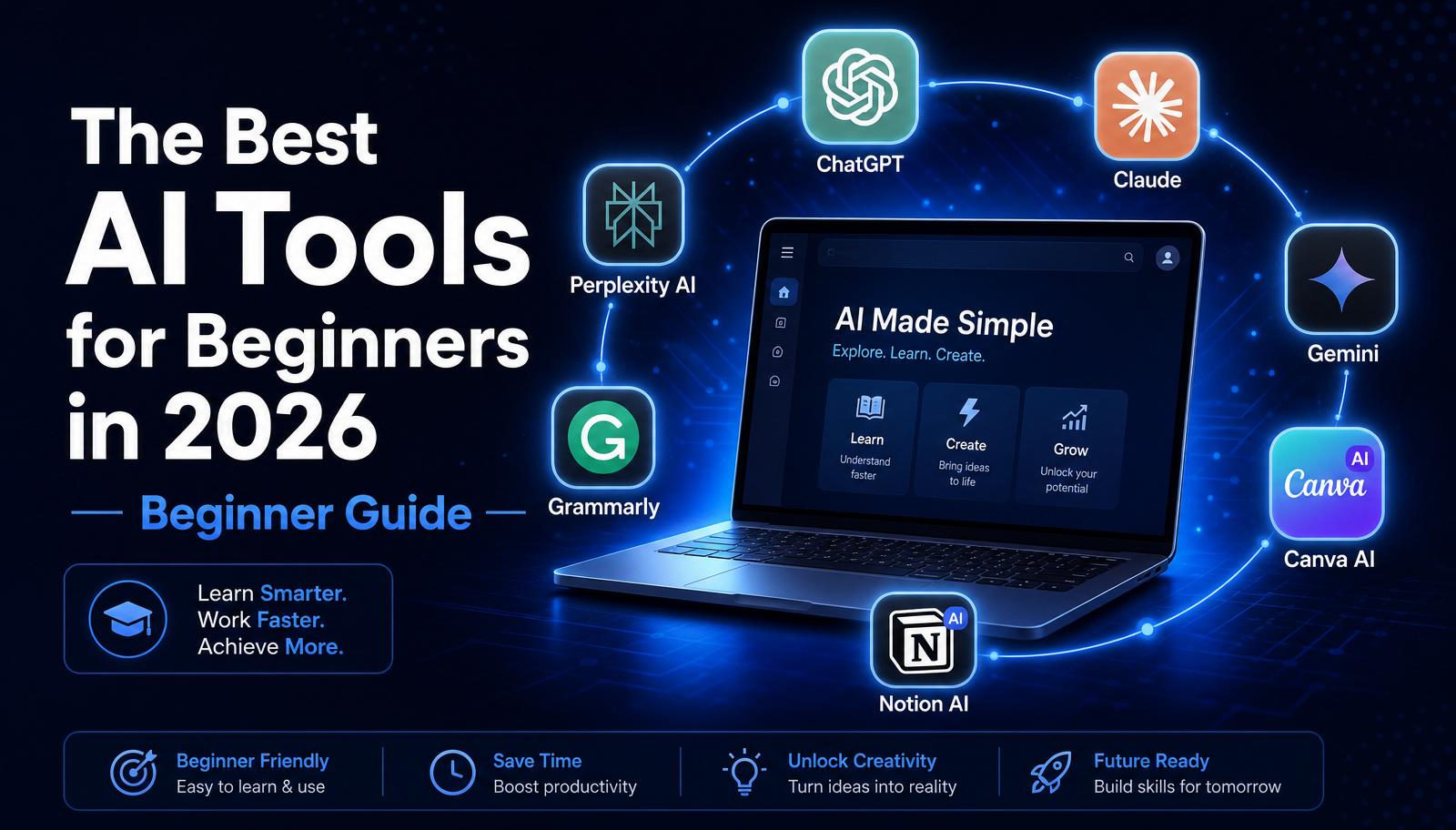
Below are the seven tools we recommend exploring — but remember, you don't need them all at once. Start with one, master it, and add another only when you feel a real need.
ChatGPT
ChatGPT (by OpenAI) is the best all-around AI tool for beginners. It writes emails, blog posts, and social captions, summarizes long documents, explains complex topics, plans your week, and even helps you brainstorm business ideas.
It has a generous free plan and a paid plan (ChatGPT Plus) with access to more advanced models, image generation, and file uploads. If you only pick one AI tool this year, pick this one.
Claude
Claude (by Anthropic) is a strong alternative to ChatGPT that many writers prefer for long-form content. It handles very long documents, follows nuanced instructions well, and tends to produce natural, human-sounding writing.
Beginners love Claude for editing, rewriting, and turning rough notes into polished articles.
Google Gemini
Gemini (by Google) is built directly into Google's ecosystem — Gmail, Docs, Sheets, and Search. If you already live inside Google Workspace, Gemini is the easiest way to bring AI into your existing workflow.
It's especially useful for drafting emails, summarizing threads, and creating content directly inside Google Docs.
Perplexity AI
Perplexity AI is like a supercharged search engine. Instead of returning a list of blue links, it gives you a clear answer with sources cited.
This makes it perfect for research, fact-checking, and learning new topics quickly — one of the most underrated tools for beginners who want to create trustworthy content.
Canva AI
Canva AI turns anyone into a designer. You can generate images, remove backgrounds, resize graphics for any platform, and create entire social media posts using AI-powered templates.
For beginners, Canva is the fastest way to make your brand look professional — no design experience required.
Grammarly AI
Grammarly AI checks your writing for grammar, spelling, tone, and clarity. It also has a built-in AI writing assistant that can rewrite, shorten, or expand your text.
Great for emails, blog posts, and any professional communication where quality matters.
Notion AI
Notion AI is built into the Notion workspace app. It helps you organize notes, plan projects, generate summaries, and turn scattered ideas into structured documents.
If you like keeping everything in one place, Notion AI is a powerful way to run your business, content calendar, and personal life from a single dashboard.
Which AI Tool Should You Start With?
Start with ChatGPT. It's the most flexible tool available and covers 80% of what beginners need. Once you feel confident writing prompts and getting good results, expand your toolkit one tool at a time.
Beginner AI Stack
Here's the simple 4-tool stack we recommend for beginners in 2026:
1. ChatGPT — writing, brainstorming, planning. 2. Perplexity AI — research and fact-checking. 3. Canva AI — graphics and social media design. 4. Grammarly AI — polishing your writing.
This stack is affordable (mostly free), easy to learn, and covers everything you need to build an online business.
Common Beginner Mistakes
The most common mistake is subscribing to too many tools before mastering any of them. Free plans are more than enough while you're learning.
The second mistake is switching tools every time a new one trends on social media. Consistency wins — pick your stack, learn it deeply, and only upgrade when you have a specific reason.
Knowledge Check
Before you move on, make sure you can answer these questions:
• Which AI tool is best for research? • Which AI tool helps create graphics? • Which AI tool is best for writing? • Which four tools make up the recommended beginner stack?
Action Challenge
Take 20 minutes today and create free accounts with ChatGPT, Canva, and Perplexity. Then complete one small task in each — write a short email in ChatGPT, design a social post in Canva, and research a topic in Perplexity.
By the end of the day you'll have hands-on experience with three of the most powerful AI tools available.