
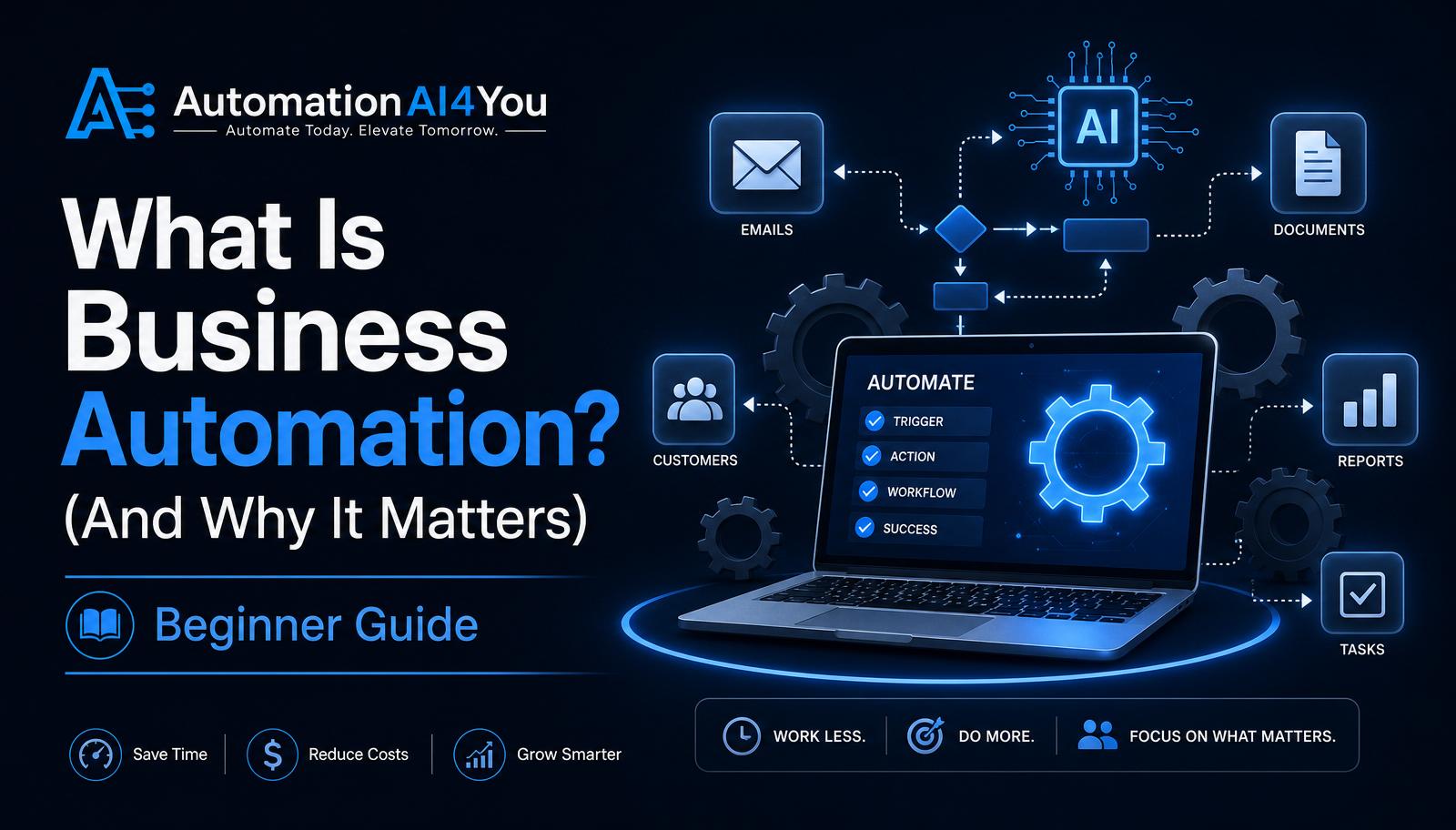
What Is Business Automation?
Business automation is the use of software to complete routine tasks with little or no manual effort. Instead of you personally sending every welcome email, tagging every new lead, or copying data between tools, an automation does it for you the moment a trigger happens.
At its simplest, an automation is just an if-this-then-that rule: when a new subscriber joins your list, send them the welcome email; when someone clicks a specific link, tag them as interested; when a payment comes in, deliver the product.
Why Automation Matters
As a beginner, your most limited resource isn't money — it's time. Automation gives you leverage: the same welcome sequence runs whether you have 10 subscribers or 10,000, and it works while you sleep, travel, or focus on creating content.
Automation also reduces mistakes. Humans forget to follow up, miss tags, and lose leads in a busy inbox. A well-built workflow does the same thing correctly every single time.
Tasks You Can Automate Today
You don't need a complicated stack to start. These are the tasks most beginners automate in their first month:
• Sending a welcome email when someone joins your list • Delivering a lead magnet (like a PDF) automatically • Tagging subscribers based on which link they clicked • Following up with people who opened but didn't click • Sending a simple weekly newsletter on a schedule
Automation vs. AI
Automation and AI are related but not the same. Automation follows fixed rules — if X happens, do Y. AI generates or decides something new — writing an email draft, summarizing a document, or answering a question.
The most powerful setups combine the two: AI creates the content or the decision, and automation delivers it at the right time to the right person. As a beginner, start with basic automations first, then layer AI in as you grow.
Real-World Beginner Example
Here's a simple end-to-end automation almost every beginner can build in an afternoon:
A visitor reads your blog post and downloads your free Starter Kit. The moment they enter their email, they're added to your list, tagged as a 'Starter Kit' lead, and sent the PDF automatically. Over the next five days, a welcome email sequence introduces you, teaches one useful idea per email, and eventually recommends a tool with your affiliate link — all without you touching a keyboard.
Choosing Your First Automation
Pick a task that you already do repeatedly and that has a clear trigger. 'Send the welcome email' is a perfect first automation because the trigger (someone subscribes) and the action (send email #1) are both obvious.
Avoid trying to automate something that isn't working manually yet. Automation multiplies whatever process you already have — good or bad. Fix the process first, then automate it.
Common Beginner Mistakes
The biggest mistake is automating a broken process. If your welcome email is confusing, automating it just sends the same confusing email to more people, faster.
Other common mistakes: building 10 workflows before validating any of them, connecting too many tools together with fragile integrations, and forgetting to test the flow end-to-end before turning it on.
Knowledge Check
Before moving on, make sure you can answer these:
• What is business automation? • How is automation different from AI? • Name three tasks beginners can automate. • Why should you start with one workflow?
Action Challenge
List three repetitive tasks in your business right now — the small things you do over and over. Pick just one and set it up as an automation this week. Start with the welcome email if you're not sure where to begin.